
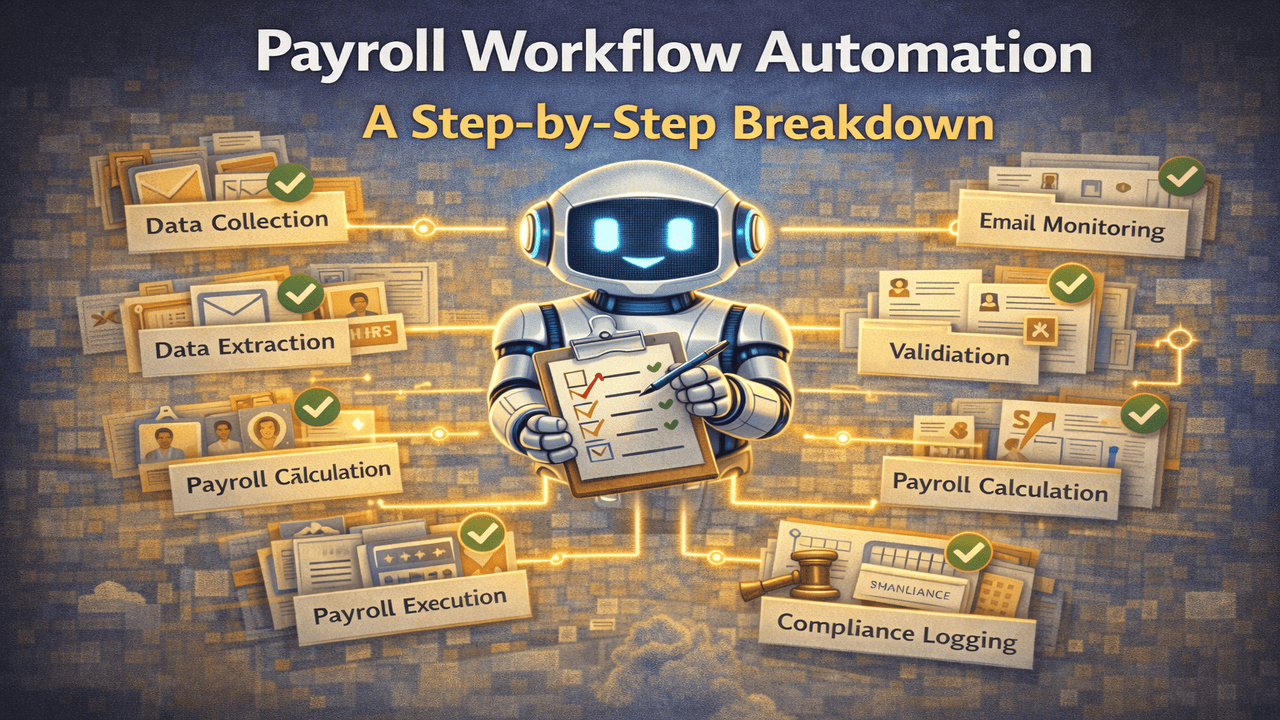
Payroll is not a single task.
It’s a workflow — involving HR inputs, validations, approvals, calculations, and compliance.
When any part of this workflow is manual, delays and errors creep in.
That’s why modern businesses are adopting payroll workflow automation — to make payroll predictable, accurate, and scalable.
Let’s break down how payroll workflow automation works, step by step.
🧠 Step 1: Continuous Data Collection (Not Just Payroll Day)
In traditional payroll systems, work begins only when payroll day arrives.
In automated workflows, payroll data collection is continuous.
Automation systems monitor:
- HR inboxes
- Employee emails
- Leave requests
- Deduction instructions
Payroll preparation happens in the background, long before payroll is run.
📩 Step 2: Automatic Email & Input Monitoring
Most payroll data arrives through emails.
Payroll workflow automation uses AI to:
- Read HR and employee emails
- Identify payroll-related information
- Categorize requests (leave, deductions, approvals)
No email gets missed.
No information stays hidden in inboxes.
🧾 Step 3: Data Extraction & Structuring
Payroll data often arrives unstructured:
- PDFs
- Images
- Free-text emails
Automation systems extract:
- Employee details
- Dates
- Leave types
- Deduction values
This data is converted into structured, payroll-ready inputs automatically.
✅ Step 4: Validation Against Rules & Policies
This is where automation truly shines.
Automated payroll workflows validate:
- Sick leave certificates
- Leave dates vs attendance
- Deductions vs company policies
- Data completeness
If something doesn’t match, the system flags it before payroll runs.
⚠️ Step 5: Exception Handling (Humans Only Where Needed)
Automation does not eliminate humans — it protects them.
Only exceptions are surfaced to HR:
- Missing certificates
- Conflicting dates
- Policy violations
Instead of reviewing everything, HR reviews only what matters.
💰 Step 6: Payroll Calculation & Adjustments
Once inputs are validated:
- Salaries are calculated
- Deductions are applied
- Adjustments are finalized
Because data is already verified, payroll calculations run smoothly — without last-minute fixes.
⚖️ Step 7: Compliance & Audit Logging
Every automated action is logged:
- Who approved what
- When validation happened
- Why deductions were applied
This creates a complete audit trail, ensuring compliance without extra effort.
🚀 Step 8: Payroll Execution & Reporting
Payroll is executed with:
- Minimal risk
- Maximum accuracy
- Clear reporting
Founders and finance teams gain visibility without micromanaging payroll operations.
📈 Why Payroll Workflow Automation Matters
Businesses using payroll workflow automation experience:
- Fewer payroll errors
- Faster payroll cycles
- Reduced compliance risk
- Less HR burnout
- Better employee trust
Payroll becomes a system, not a recurring headache.
🧠 Final Thoughts
Payroll problems don’t come from bad intentions — they come from broken workflows.
Payroll workflow automation fixes the root cause:
- Manual dependency
- Fragmented data
- Late validations
Automation turns payroll into a reliable, scalable process.
🤝 Automate Your Payroll Workflows with Payroll Robot
Payroll Robot uses AI agents to automate payroll workflows end-to-end — from email monitoring and validation to deductions and compliance.
Because payroll should run smoothly, every time.
Comments are closed